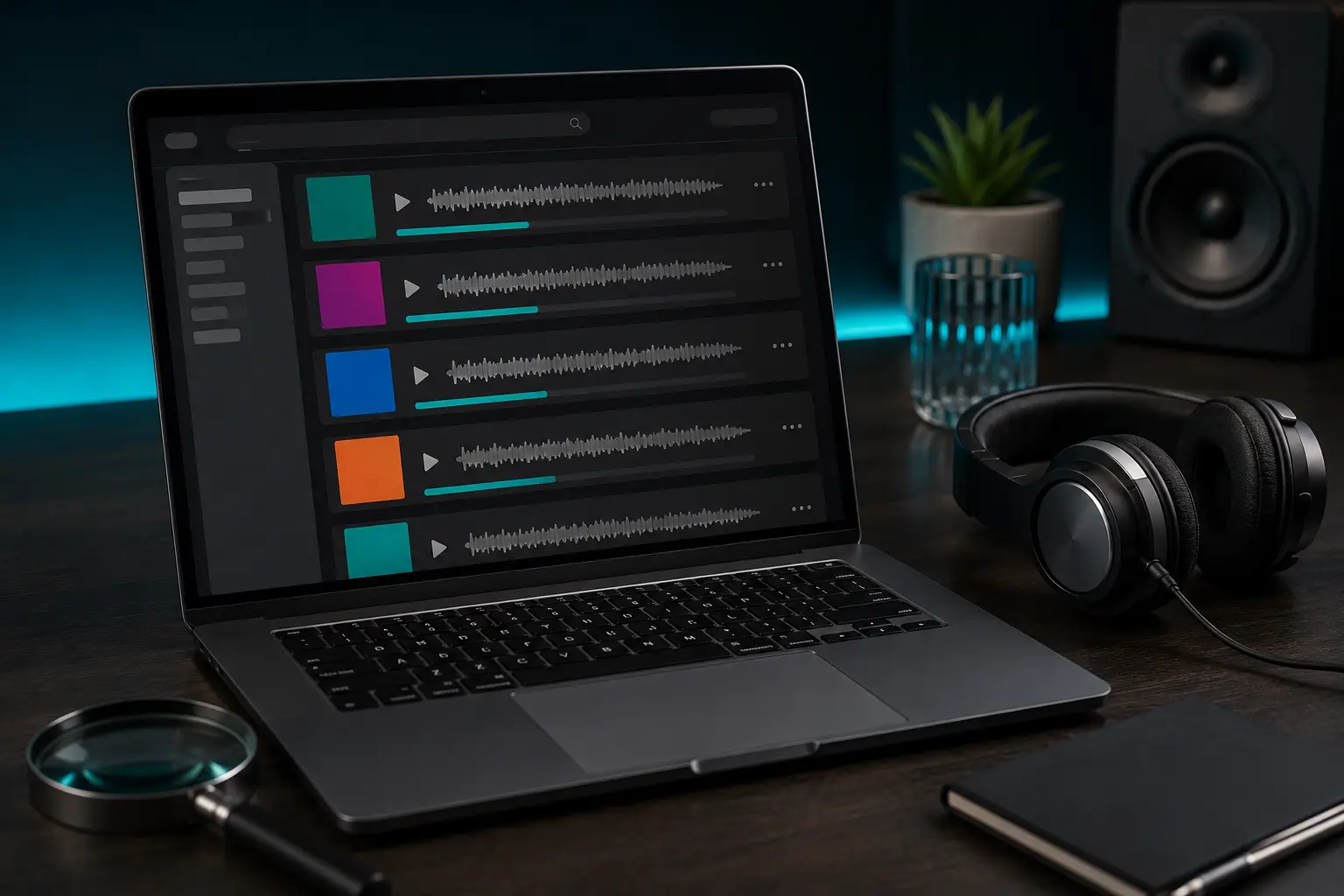
When you type a song title or artist name into a search box, dozens of results pop up instantly. At first glance, they all look fairly similar: a thumbnail, a title, a duration, and a file size. But clicking blindly on the top link often leads to disappointed surprises—a muted section, a live concert recording with people screaming in the background, a low-bitrate phone rip, or even a misleading redirect button. Learning how to properly read music search results before clicking download will save you time, data, and frustration.
1. Decoding the Title Line: What the Tags Really Mean
Smart searchers inspect every tag inside brackets or parentheses. Here is a cheat-sheet to save you headaches:
- [Official Audio] or (Official Master): The high-fidelity studio track provided directly by the artist or record label. This is the gold standard for your personal collection.
- [Music Video / Official Video]: The audio track ripped directly from a music video. While usually fine, music videos often contain 15 to 45 seconds of narrative dialogue, sirens, ambient sound effects, or sudden pauses in the middle of the song that you don't want on your workout playlist!
- (Live / Recorded Live): A concert performance. Expect crowd cheers, acoustic variations, and imperfect microphone balance.
- (Slowed + Reverb / Sped Up / Nightcore): Altered versions altered by internet creators. If you want the real song at its original pitch and speed, skip these completely.
- (Instrumental / Karaoke): The backing track with lead vocals stripped out. Great for singing along, but not what you want for everyday listening.
2. Checking Duration and File Size Consistency
Always compare the listed time with the official song length:
- If a radio single is normally 3:45, a result showing 1:15 is almost certainly an intro teaser or sample.
- A result showing 12:30 is probably a full DJ mix or compilation containing multiple songs stitched together.
- File Size Rule of Thumb: A standard 3-to-4-minute MP3 at clean 192k–320k bitrate will usually weigh between 5 MB and 10 MB. If a search result says an MP3 is only 500 KB (0.5 MB), it's either heavily compressed garbage audio or an incomplete download! Learn the exact math in our guide to estimating MP3 file sizes.
3. Checking Audio Bitrate and Format Labels
Look for clean format indications: MP3 (128 kbps, 192 kbps, or 320 kbps) versus MP4 (360p, 720p, 1080p). Make sure you're picking the right format for your intended use—an MP4 file is a video, which eats much more storage and phone battery than a compact MP3 music file. For a complete comparison, check out our guide on choosing between MP3 and MP4.
4. Spotting Fake and Manipulated Search Results
Scammers and spam websites often create autogenerated pages matching popular search queries, slapping generic stock thumbnails or misleading "Fast Download" graphics over files that have nothing to do with your search. If you ever run into aggressive popup ads or unfamiliar file extensions (like .apk or .exe instead of .mp3), stop immediately! Protect your device by reading our essential guide on how to recognize fake download buttons and suspicious files.
5. Your Quick 3-Step Verification Checklist
- Does the title specify Original / Official Audio without weird "Slowed" or "Chipmunk" tags?
- Does the duration match the official album runtime within 5 to 10 seconds?
- Is the file size reasonable (4–10 MB for MP3, 20–80 MB for standard MP4)?
When you enter a song or artist in the search bar on Tubidy, applying these quick checks guarantees that you always save the clean, full-length audio file you wanted.
Follow these three simple checks, and you will consistently get clean, crisp, enjoyable tracks for your music library every single time.