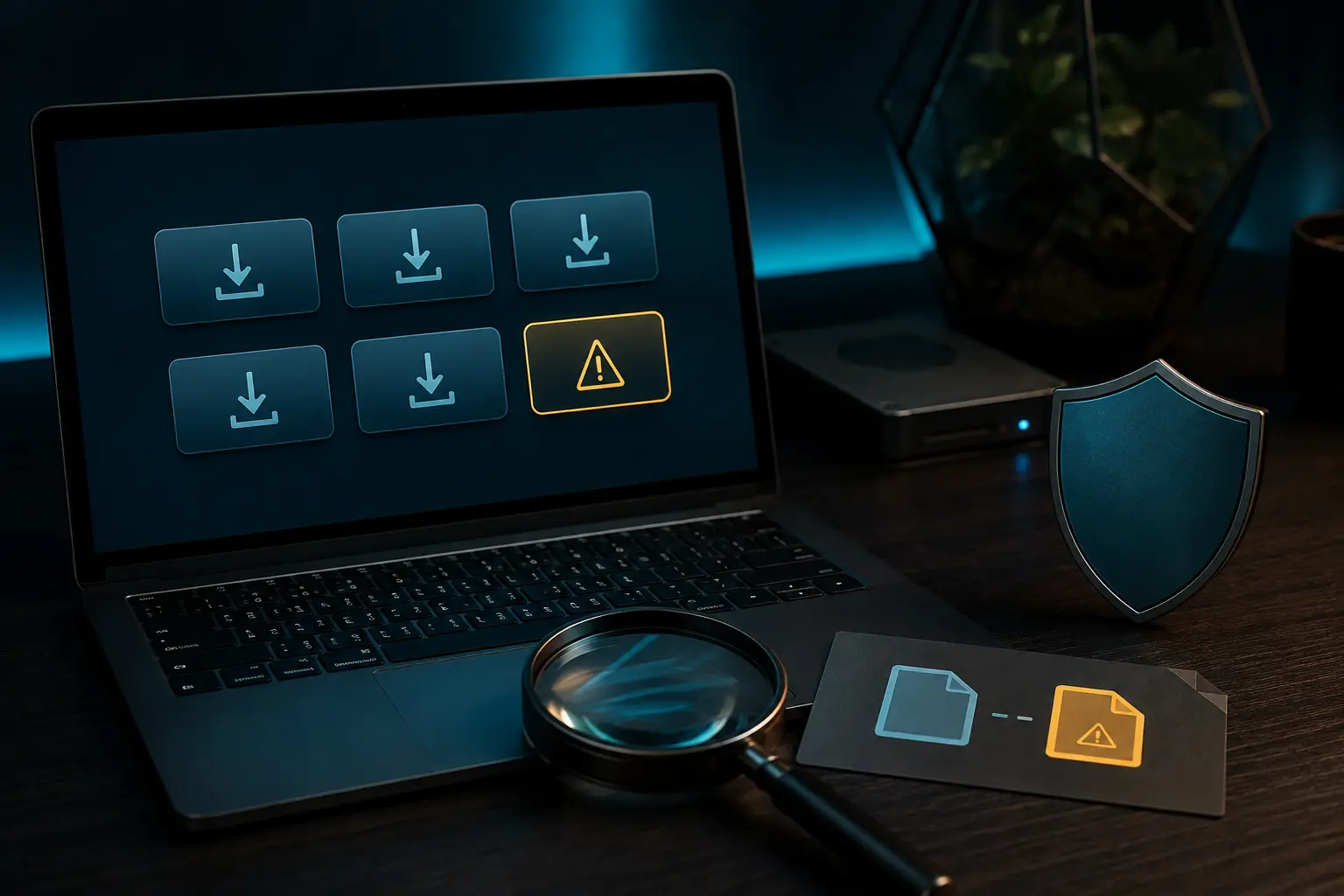
We've all landed on a download webpage only to be greeted by a confusing maze: three flashing green buttons that say "DOWNLOAD NOW", a giant blue arrow that says "START DOWNLOAD", and a popup window urging you to update your media player. Clicking the wrong one doesn't give you your song—it redirects you through shady ad networks, downloads unwanted toolbars, or triggers dangerous notification permissions. Knowing how to spot fake download buttons and malicious file traps is an essential internet survival skill. Here is your ultimate guide.
1. Look for the "AdChoices" or "X" Icon in the Corner
Over 80% of fake download buttons are actually display advertisements served by advertising networks like Google AdSense or Taboola, designed specifically to trick users into clicking them.
- Look closely at the top-right corner of the button or banner. If you see a tiny blue triangle, an "i" symbol, or an "X", it is an advertisement, not the real download link!
- Real download buttons are built into the clean web page design itself—they don't look like flashy banners created in Microsoft Paint.
2. The "Hover" Check (The Most Powerful Trick)
Before you click any download link on a desktop or laptop, hover your mouse cursor over it and look at the bottom-left corner of your web browser window:
- A legitimate download link will display a URL pointing to the website itself (e.g.,
https://grootrivier.co.za/.../song.mp3) or a clean CDN server. - A fake ad button will show a long, cryptic redirect URL filled with tracking codes like
https://track.clickserve.xyz/...orhttps://doubleclick.net/.... If you see that, do not click!
3. Beware of the File Extension Trap (.exe and .apk)
If you set out to download an MP3 song or MP4 video, the resulting file must end in .mp3 or .mp4. Period.
- If your browser downloads a file ending in
.exe,.msi,.bat, or.scron Windows, DELETE IT IMMEDIATELY. You just downloaded an executable program or malware installer. - On Android, if a website downloads a file ending in
.apkand asks you to "Install from Unknown Sources", cancel it immediately. Music files are never APK application packages! - The Double Extension Trick: Watch out for sneaky filenames like
SongTitle.mp3.exe. In Windows, file extensions are hidden by default, so it might appear asSongTitle.mp3. Turn on "Show File Name Extensions" in Windows File Explorer so you always see the true extension.
4. Never "Click Allow" on Browser Notification Popups
A classic scam tactic is a gray popup box saying: "Press Allow to verify you are not a robot" or "Click Allow to start your download".
This is a trick! If you click "Allow", you are giving that sketchy website permission to spam your phone or computer with desktop notifications—often displaying fake virus warnings, adult ads, or tech support scams every 10 minutes. If a site demands notification permission to download a file, close the tab immediately.
5. Why Clean In-Browser Tools are Inherently Safer
Unlike ad-cluttered sites with deceptive popups, using a clean, straightforward platform like Tubidy protects your device with direct, genuine download links.
You don't need to install risky software to enjoy media. Using clean, browser-based web tools keeps you protected inside your browser's security sandbox. Read our detailed comparison on browser download tools vs. third-party apps to learn why web tools are the safest option for your devices.