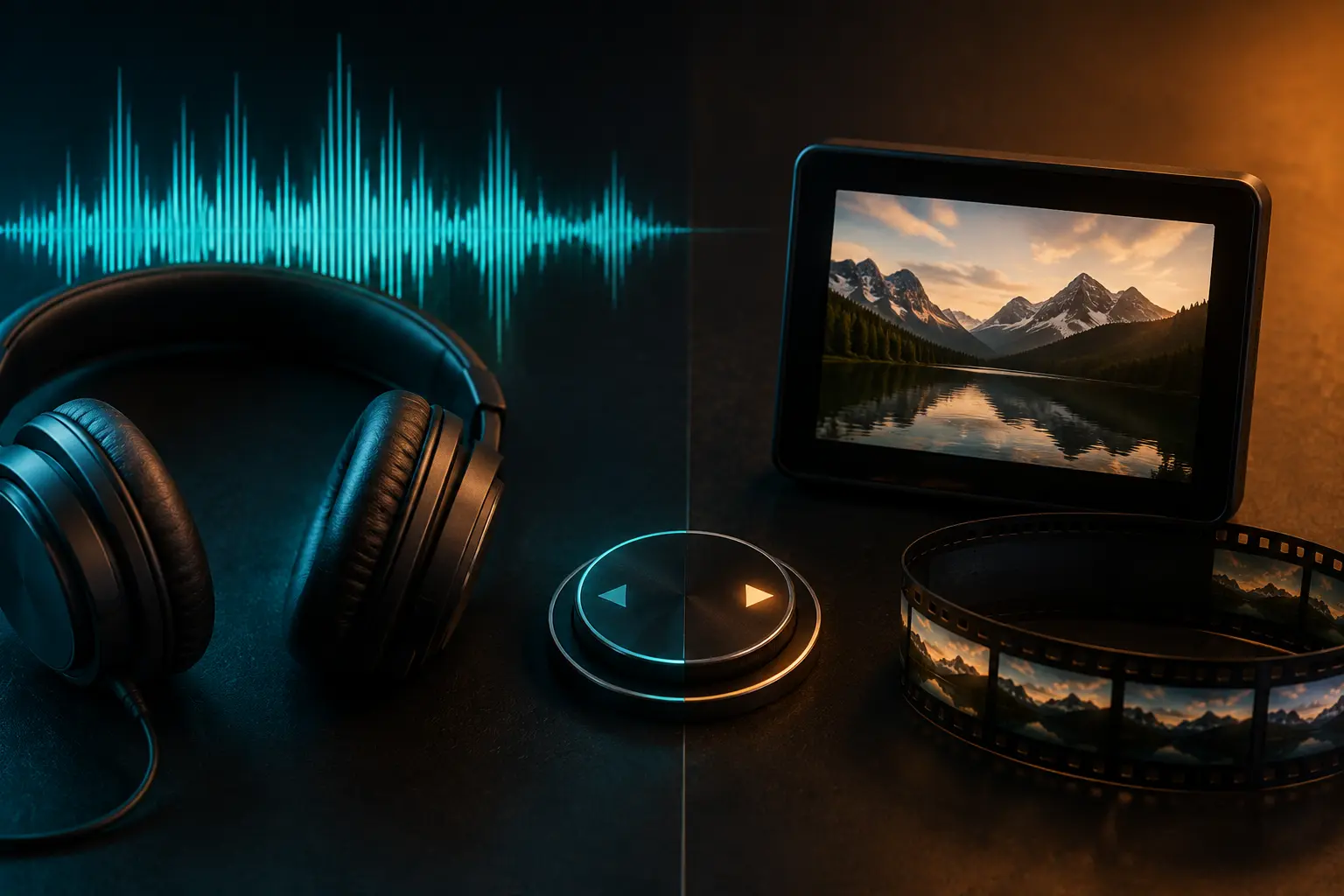
Whenever you're getting ready to download media—whether it's a hot new music track, an interview podcast, a workout routine, or a viral dance clip—you almost always face the same fundamental choice: MP3 or MP4? While it might seem like a simple decision, picking the wrong format can quickly clog up your phone storage, drain your battery in hours, or prevent you from listening with your screen locked. Here is how to pick the right format every single time based on what you actually need.
The Fundamental Difference: Audio vs. Multimedia
Let's make this crystal clear right away:
- MP3 is strictly an audio-only format. It contains music, vocals, and speech—nothing else. Because it doesn't need to store millions of video frames and colors, it is lightweight, extremely compatible, and compact.
- MP4 is a digital multimedia container. It bundles a video stream, one or more audio tracks, subtitles, and chapter markers into a single file. Because moving pictures require huge amounts of data, MP4 files are typically 5 to 15 times larger than an equivalent MP3.
1. Battery Life & Background Playback (A Huge Advantage for MP3)
Did you know playing video requires your phone screen, GPU, and CPU video decoder to run continuously? A phone playing an MP4 video will drain its battery in 3 to 5 hours of continuous playback.
With an MP3, your device's audio hardware handles playback with minimal power. You can turn your screen completely off, slide your phone into your pocket, and listen all day long while jogging, working, or commuting—using barely 10% to 15% battery. Furthermore, most mobile browsers and stock players automatically pause playback the moment you lock your screen if you are playing video files.
2. Storage Space & Download Speed Comparison
Consider a typical 4-minute music video:
- As a high-quality MP3 (192 kbps): The file size is around 5.8 MB. You can download it in 3 seconds on standard Wi-Fi, and 1,000 songs take up less than 6 GB.
- As a 720p HD MP4 video: The file size is around 45 MB to 75 MB. Downloading takes much longer on mobile networks and consumes significant data.
- As a 1080p Full HD MP4: It easily exceeds 100 MB to 150 MB for just one song!
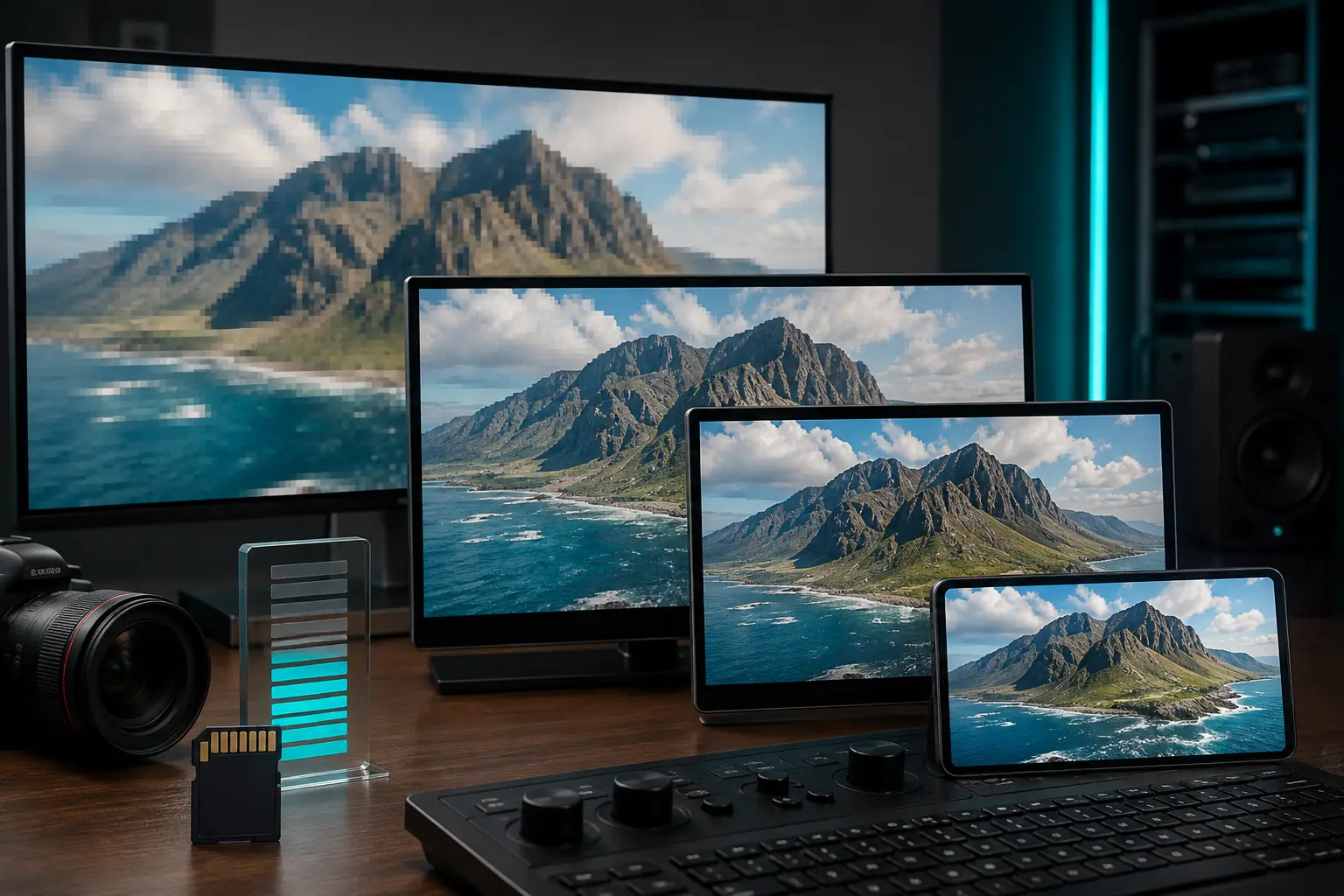
If you're curating a large playlist for daily listening, downloading MP4 videos will rapidly fill up your phone's memory. Learn how video dimensions dramatically alter file sizes in our companion guide on how video resolution affects MP4 quality and file size.
When Should You Definitely Choose MP3?
- Listening to music while walking, working out, or doing chores.
- Playing songs in your car through Bluetooth or a USB flash drive.
- Commuting on public transit where mobile data is expensive or spotty.
- Listening to audiobooks, long interviews, or talk radio podcasts.
When Does Choosing MP4 Make Sense?
- Music videos with incredible choreography, dance routines, or visual storytelling.
- Tutorials, cooking guides, guitar lessons, or educational lectures where visuals are necessary.
- Watching videos on a tablet or laptop during long flights or off-grid road trips.
Quick Summary Recommendation
With Tubidy, you have the flexibility to download both compact MP3 audio for background listening and high-definition MP4 videos whenever visuals matter.
If your eyes aren't glued to the screen, always choose MP3. You will save precious gigabytes of storage, download in seconds, and enjoy hours of uninterrupted background listening without killing your battery.