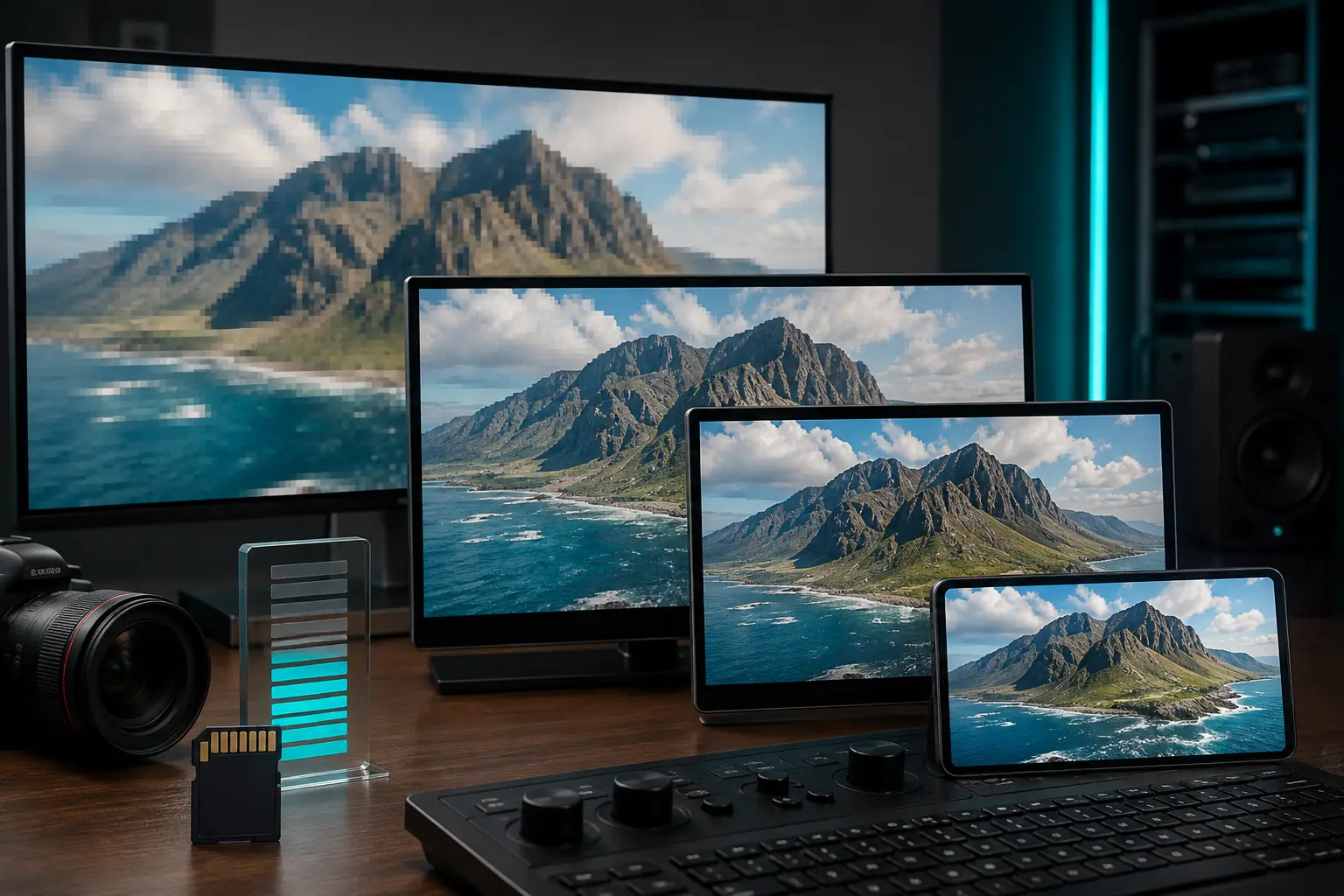
When downloading an MP4 video, you are usually presented with a dropdown of resolutions: 360p, 480p, 720p (HD), 1080p (Full HD), and 4K. While everyone wants the crispest picture possible, clicking "1080p" or "4K" by default can chew through your mobile data plan in minutes and consume your phone's remaining storage space before you know it. How much does resolution really change file size, and which resolution looks best on your screen? Let's break it down.
What Does Resolution Actually Mean?
Video resolution refers to the number of individual pixels displayed across your screen. The more pixels packed into each frame, the sharper and more detailed the image looks:
- 360p (640 × 360 pixels): Standard definition (SD). Highly compressed and lightweight.
- 480p (854 × 480 pixels): DVD quality. Clean enough for small mobile screens.
- 720p (1280 × 720 pixels): High Definition (HD). Crisp, clear, and great for both phones and tablets.
- 1080p (1920 × 1080 pixels): Full High Definition (FHD). Super sharp on laptops, desktop monitors, and TV screens.
The File Size Math: How Fast Storage Adds Up
Here is what happens to the file size of a typical 10-minute video as resolution climbs:
| Resolution | Typical Video Bitrate | 10-Min Video Size | Best Screen Size |
|---|---|---|---|
| 360p | ~600 kbps | ~45 MB | Budget phones (under 5.5") |
| 480p | ~1,200 kbps | ~90 MB | Standard smartphone screens |
| 720p HD | ~2,500 kbps | ~190 MB | Large phones & tablets |
| 1080p FHD | ~5,000 kbps | ~380 MB | Laptops, PCs, and TVs |
Why 720p is the Ultimate "Sweet Spot"
If you're watching on an iPhone or an Android smartphone held 10 to 12 inches away from your face, the human eye reaches what Apple calls the "retina" threshold. At that viewing distance, telling the difference between a clean 720p video and a 1080p video on a 6-inch screen is nearly impossible for most people!
Yet choosing 720p instead of 1080p cuts your file size and download time in half. You get 95% of the visual clarity while saving hundreds of megabytes of data.
Data-Saving Mode: When 360p / 480p is All You Need
If you are watching informational content—such as podcasts, interviews, sports commentary, news clips, or tutorials with simple slides—you do not need high-definition textures. Selecting 360p or 480p will download in a flash even on weak 3G/4G connections without buffering. Learn more connection-saving tricks in our guide on managing downloads on slow mobile networks.
Keep in Mind: Bitrate and Codecs Matter Too!
Choosing the right resolution on Tubidy gives you the ideal balance between sharp visual quality and fast download speeds on mobile.
Resolution is only one half of the equation; compression codecs (like H.264, H.265/HEVC, and AV1) and video bitrate also determine file quality. A poorly compressed 1080p video with blocky pixel artifacts can actually look worse than a high-bitrate, crystal-clean 720p video! If you ever run into playback glitches where a high-res video refuses to load audio, check our practical guide on fixing MP4 video sound and playback errors.