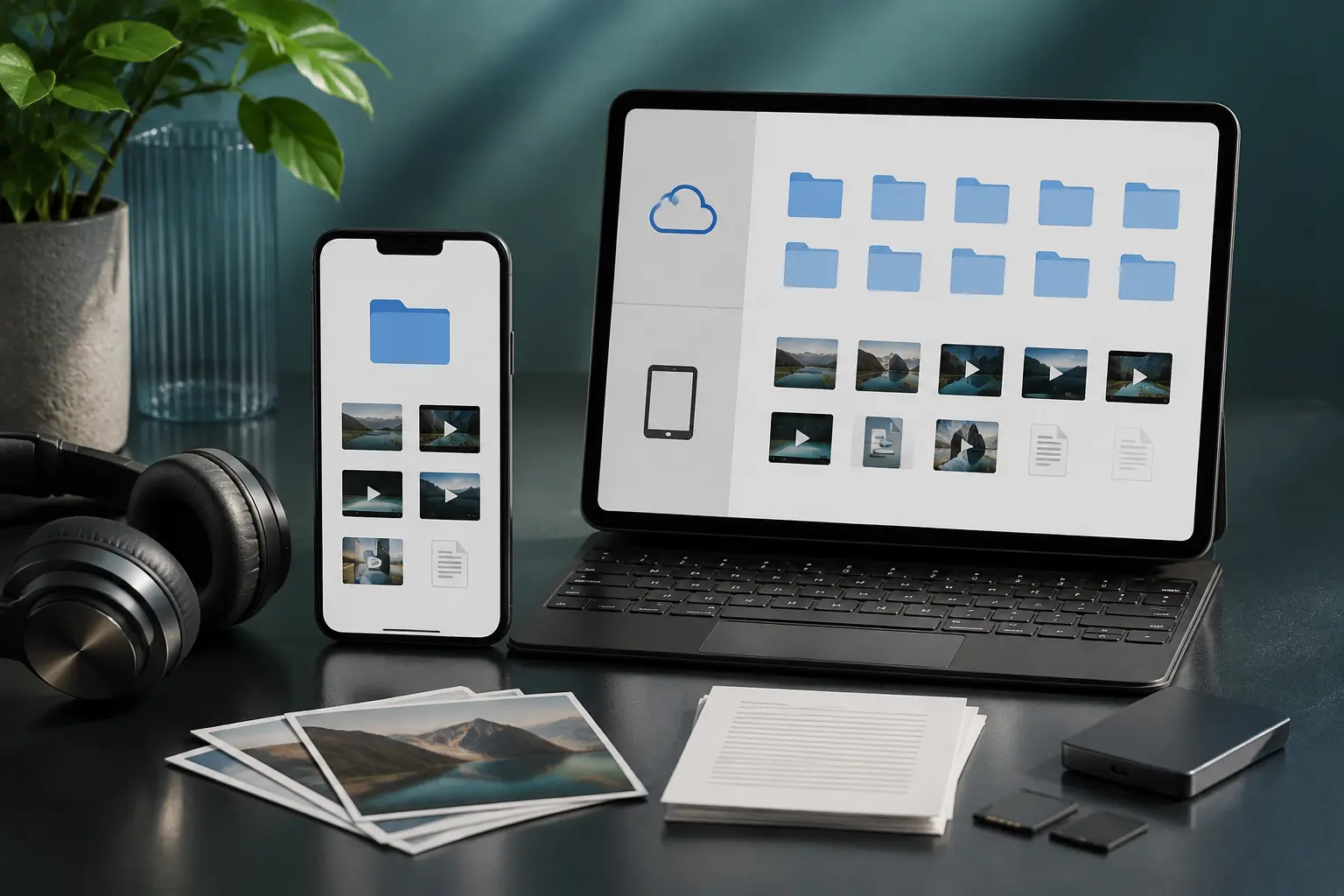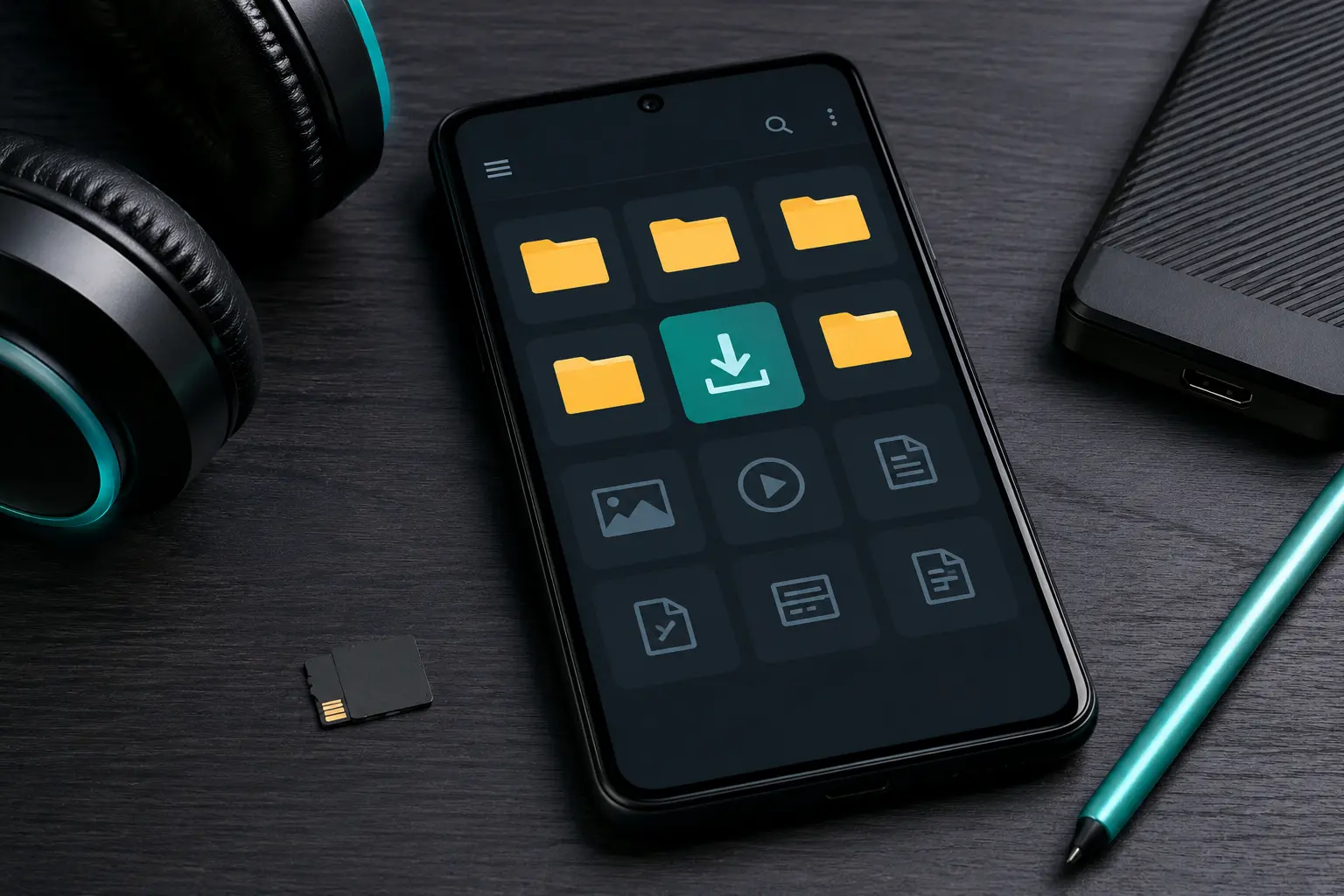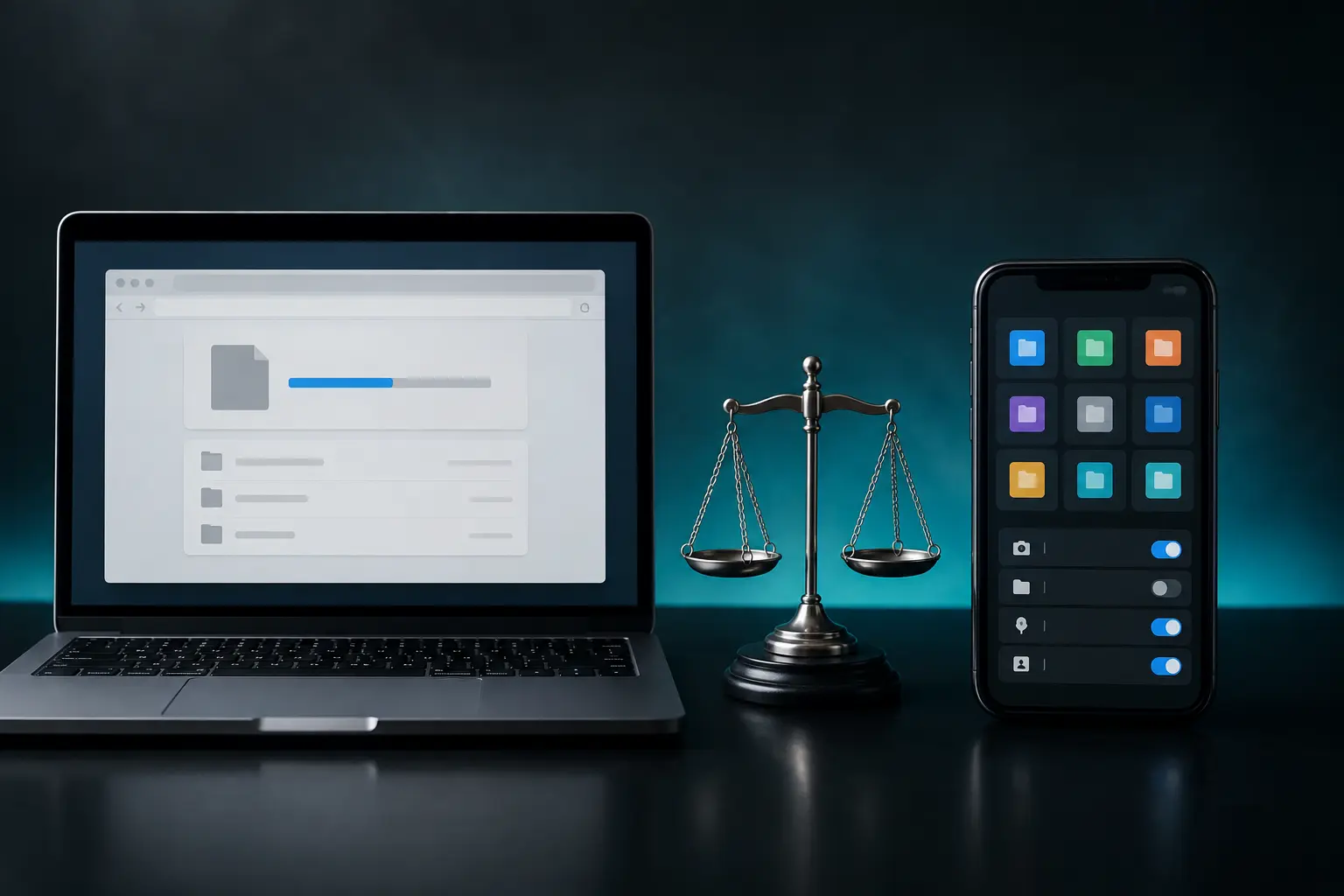
When you want to save music or videos to your device for offline listening, you typically have two paths: use a web-based online downloader directly in your browser, or install a dedicated third-party downloader application from the app store or an APK site. Many software makers aggressively advertise their desktop programs and mobile apps, claiming they offer faster speeds and advanced features. But are third-party apps truly better, or do they introduce unnecessary privacy risks and bloatware? Let's compare them side-by-side.
1. Security & Privacy: The Browser Sandbox Advantage
The single biggest advantage of using a browser-based web tool is the browser security sandbox:
- Web Tools: When you use a website like Tubidy in Chrome, Safari, or Firefox, the website runs strictly within the browser's sandbox. It cannot access your phone's contact list, read your private SMS messages, inspect other apps, or access your camera. When you close the tab, it completely stops running.
- Third-Party Apps: When you install an APK or desktop application, it requests broad device permissions. Many free downloader apps on Android demand access to your entire storage, location, and background network permissions. Security researchers frequently discover that free downloader apps bundle hidden ad-fraud SDKs, crypto-miners, or spyware that monitor your web traffic.
2. Device Performance & Battery Life
A browser tool consumes zero resources when you aren't using it. In contrast, third-party mobile apps often install background services that start automatically when your phone boots up, constantly polling their ad servers, checking for push notifications, and draining your battery even while you sleep.
3. Cross-Platform Compatibility (No Installation Hassle)
One of the best things about web-based tools is universal compatibility:
- They work identically on Windows, Mac, Linux, Chromebooks, Android smartphones, iPhones, and iPads.
- There is no software to install, no registry entries created, no updates to constantly download, and zero disk space consumed on your hard drive.
4. What About "Download Speeds"?
Many third-party apps claim they "boost download speeds by 500%". In reality, no app can exceed the physical bandwidth limit provided by your Wi-Fi or mobile carrier! Some multi-threaded desktop download managers (like IDM) can slightly accelerate downloads from throttling servers by opening parallel connections, but for everyday MP3 audio files (which are only 4 MB to 8 MB), the download finishes in 2 to 4 seconds regardless.
Comparison Summary
| Feature | Browser-Based Web Tools | Third-Party Apps & APKs |
|---|---|---|
| Installation Required | None (Zero Storage) | Requires 50MB–200MB |
| Device Permissions | None (Sandboxed) | Demands Full Access |
| Background Battery Drain | Zero | Moderate to Heavy |
| Device Safety | High | Variable (Risk of Malware) |
The Verdict
For 99% of users, lightweight in-browser tools offer the safest, fastest, and most convenient experience without compromising phone security or battery life.