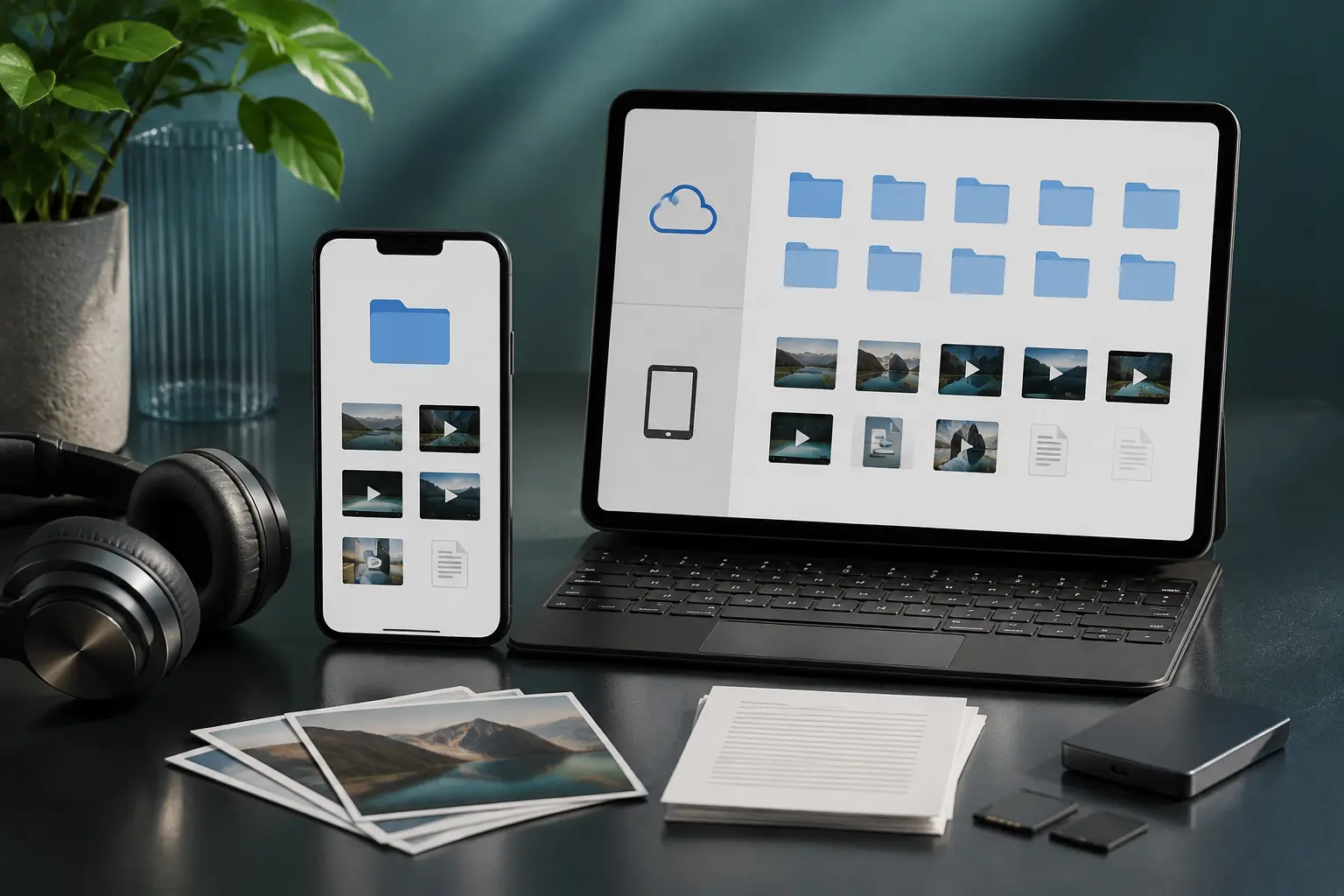
You tap "Download" on a music track or video in your mobile browser, watch the progress bar reach 100%, and see a notification say "Download complete." But five minutes later when you open your favorite music player or gallery app, the file is nowhere to be found! Did it disappear into digital thin air? Not at all. Android has a dedicated file hierarchy, and finding your downloaded media is easy once you know where to look.
1. The Default Download Location on Android
By default, almost every web browser on Android (Google Chrome, Samsung Internet, Firefox, Opera, and Brave) saves files directly to a system folder named Download located on your phone's internal storage:
Internal Storage > Download
2. How to Access It Using Your Phone's File Manager
You do not need to download sketchy third-party file managers filled with ads. Every modern Android phone comes with a clean built-in file manager:
- Samsung Galaxy devices: Open the app drawer, open the Samsung folder, and tap My Files. Right on the home screen, you'll see a big Downloads shortcut category, or tap Internal Storage > Download.
- Google Pixel, Xiaomi, Motorola, and others: Look for the Files by Google app (or simply Files). Tap Browse at the bottom and select Downloads.
3. Checking Directly Inside Your Mobile Browser
If you don't feel like navigating system folders, your browser keeps a direct log of every file you've ever saved:
- In Chrome: Tap the three vertical dots (⋮) in the top-right corner and select Downloads. You can tap any song or video to open it immediately, or tap the share icon to send it via WhatsApp or Bluetooth.
- In Samsung Internet: Tap the menu bar at the bottom right (three horizontal lines) and tap Downloads.
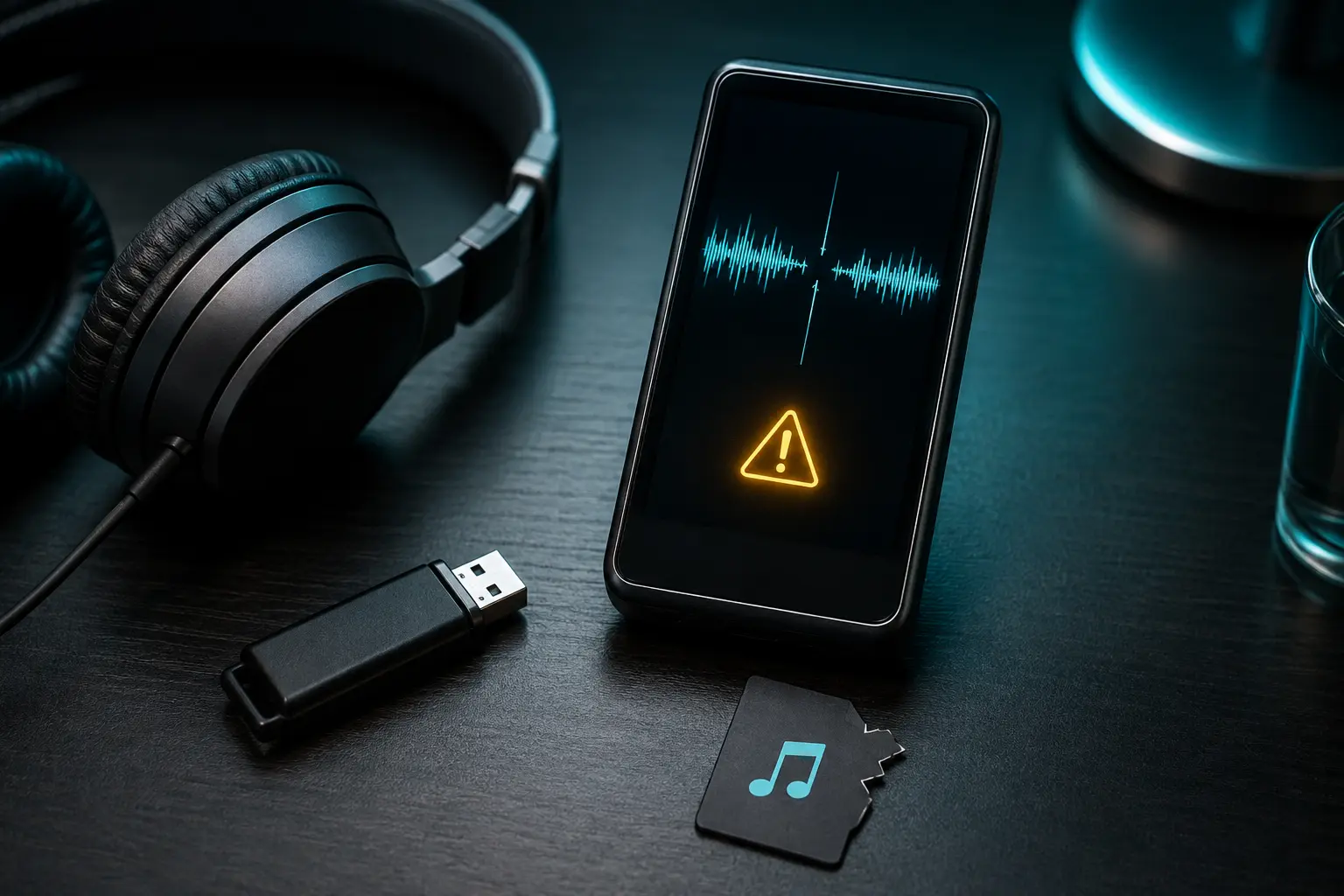
4. Why Doesn't My Music Player See the Downloaded Song?
This is a super common complaint on Reddit's r/AndroidQuestions. If your offline music player (like Samsung Music, Musicolet, or Poweramp) doesn't show the new track, it's usually because of Android's media scanner:
- The Fix: Move your MP3 files from
Internal Storage/Downloadinto the officialInternal Storage/Musicfolder. Most music apps actively monitor the Music folder and will immediately refresh their library index. - Hidden .nomedia file check: If you accidentally created or downloaded a folder containing an invisible file named
.nomedia, Android will hide every audio and video file inside that folder from all music and gallery apps! Check your folder settings to ensure no.nomediafile is hiding your tracks.
5. Changing Your Default Download Location to an SD Card
If your phone has an external MicroSD card slot and your internal storage is getting full, you can tell Chrome to save files directly to the SD card:
- Open Chrome, tap the three dots (⋮) > Settings.
- Scroll down and tap Downloads.
- Tap Download location and switch it to your SD Card.
- Pro Tip: Turn on "Ask where to save files" if you want Chrome to prompt you for a folder before each download.
After downloading your favorite music tracks from Tubidy on your Android phone, moving them into your device\'s Music folder will make them immediately accessible in any offline music app.
Once you locate your files, keeping them tidy will prevent duplicates and cluttered folders. Learn our simple, stress-free strategy in our guide on how to organize an offline music library.