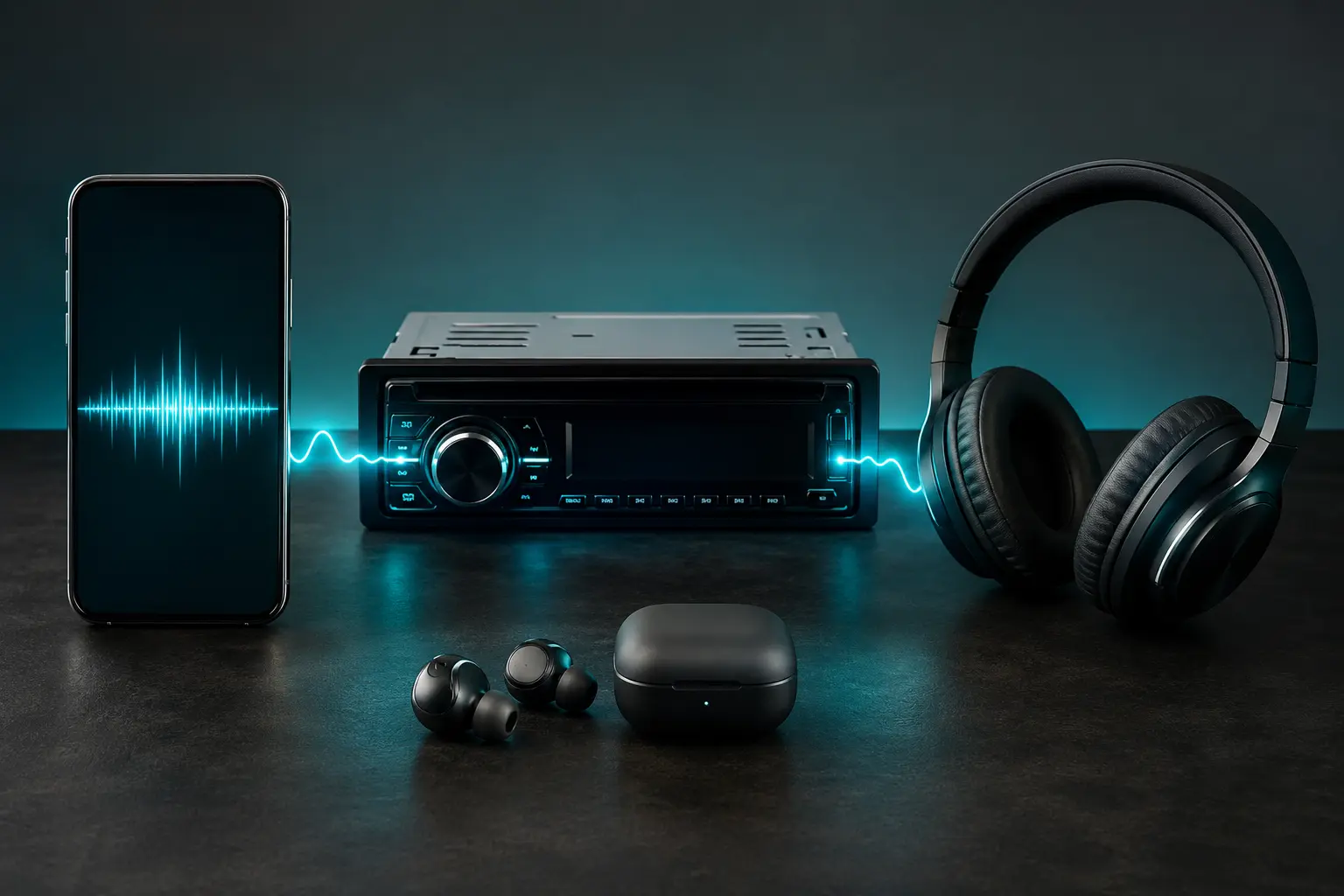
There is no one-size-fits-all audio quality. What sounds punchy and vibrant through a pair of cheap wireless earbuds might sound hollow or muddy through premium over-ear headphones or a custom car stereo system. At the same time, hoarding uncompressed audio files on a smartphone with limited storage or burning through limited mobile data makes no sense. Let's look at how to match the right audio quality to your specific playback equipment so you get the best sound without wasting storage space.
1. Smartphone Built-in Speakers & Budget Earbuds
Most modern phone speakers and budget $10 wireless earbuds have small physical drivers that cannot reproduce ultra-low sub-bass or delicate acoustic air. High-frequency nuances get lost in physical limitations.
- Recommended Bitrate: 128 kbps to 160 kbps
- Why: You will not hear any difference between 128k and 320k on a tiny phone speaker. Saving space and mobile data is much smarter here.
2. Quality In-Ear Monitors (IEMs) & Mid-Range Headphones
If you're using decent wired IEMs (like KZ, Tangzu, or Moondrop) or popular Bluetooth headphones (like Sony WH-CH series, Anker Soundcore, or Apple AirPods), the audio hardware has sufficient resolution to reveal compression flaws like cymbal swishiness or compressed vocal dynamics.
- Recommended Bitrate: 192 kbps to 256 kbps
- Why: This provides rich clarity, clear vocals, and punchy bass without bloating your device's memory.
3. Car Audio Systems
Car stereos present a unique listening environment: engine noise, tire hum, and wind rush create a noise floor of 60 to 75 decibels. However, car sound systems typically have larger speaker cones, dedicated door woofers, and sometimes a trunk subwoofer that can rumble very low frequencies.
- Recommended Bitrate: 192 kbps to 320 kbps
- Key Tip: Heavily compressed 96k or 128k MP3s often sound harsh in cars when you turn the volume up, because compressed high-mids cause ear fatigue quickly. 192k or 320k keeps bass lines solid and vocals smooth at cruising speeds. Also make sure your car stereo's USB port supports modern ID3 tag formats—learn more in our troubleshooting guide on why MP3 files fail to play.
4. Audiophile Headphones & Home Hi-Fi Systems
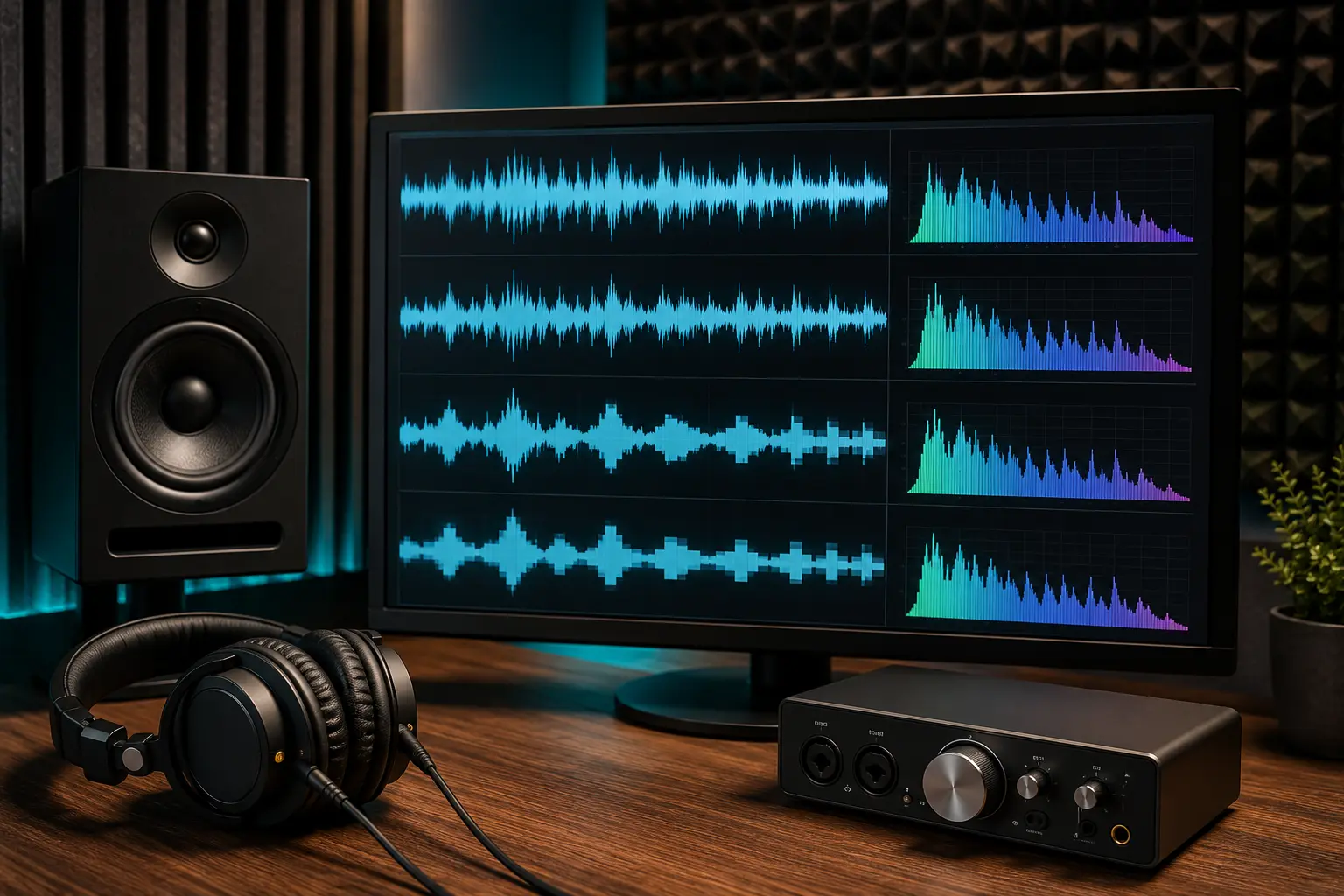
If you own open-back reference headphones (like Sennheiser HD560s/600, Beyerdynamic DT990) connected to a headphone amplifier, or a dedicated home stereo system with bookshelf monitors, your equipment is designed to reveal every micro-detail.
- Recommended Bitrate: 320 kbps MP3 or Lossless (FLAC)
- Why: Any compression artifact will be noticeable in a quiet room on reference gear. 320 kbps ensures you're experiencing the full depth of the master mix.
Summary Decision Guide
| Playback Device | Best Format | Average Song Size |
|---|---|---|
| Phone Speaker / Budget Buds | 128 kbps MP3 | ~3.8 MB |
| AirPods / Mid-Range Bluetooth | 192 kbps MP3 | ~5.8 MB |
| Car Audio via USB / Aux | 192k–320k MP3 | ~6–10 MB |
| Studio Monitors / Hi-Fi | 320 kbps or FLAC | 10 MB – 35 MB |
Once you know what audio bitrate suits your headphones or car stereo best, you can easily search and download the right files on Tubidy.
Understanding these hardware realities helps you make smart choices that preserve your phone's storage while giving you an exceptional listening experience every day.