Streaming music is convenient until your mobile data runs out, you board a flight without Wi-Fi, or a licensing dispute suddenly wipes your favorite album off streaming platforms. That is why millions of music lovers maintain an offline music collection on their phone, SD card, or external SSD. But as your library grows from 50 tracks to 2,000, unorganized folders quickly become a chaotic mess of "Track_01.mp3", duplicate songs, and missing artist names. Here is a battle-tested routine to keep your offline music library pristine, searchable, and manageable forever.
1. Adopt a Clean, Standardized Folder Structure
Never dump hundreds of loose MP3 files into a single folder. When an app tries to index 3,000 files in one directory, it slows down significantly. Use the gold standard hierarchy adopted by digital audio collectors worldwide:
Music /
└── Artist Name /
│ └── [Year] - Album Title /
│ └── 01 - Song Title.mp3
│ └── 02 - Song Title.mp3
└── Compilations & DJ Mixes /
└── Amapiano Grooves Vol 1.mp3
2. Fix Your ID3 Metadata Tags with "Mp3tag"
Modern music player apps (like Poweramp, VLC, or car stereos) don't actually care about what your file is named—they read the embedded ID3 tags inside the audio file to display the artist, album, track number, and album artwork.
- Download Mp3tag (a free, lightweight program for Windows and Mac).
- Load your music folder into Mp3tag. In seconds, you can clean up messy artist names, delete junk advertising comments inserted by third-party download sites, and automatically fetch original album artwork.
- One-Click Renaming: Mp3tag has a magic feature: Tag → Filename. With one click, you can rename 500 messy files into perfectly formatted
Artist - Track Title.mp3based on their internal metadata!
3. Hunt Down and Eliminate Duplicate Songs
Duplicate files eat up valuable gigabytes of phone memory. You often end up with three versions of the exact same track: the single release, the album cut, and a compilation feature.
- On Windows, free tools like Duplicate Cleaner or Czkawka can scan your music folder in seconds by audio content rather than just filename, pinpointing identical tracks.
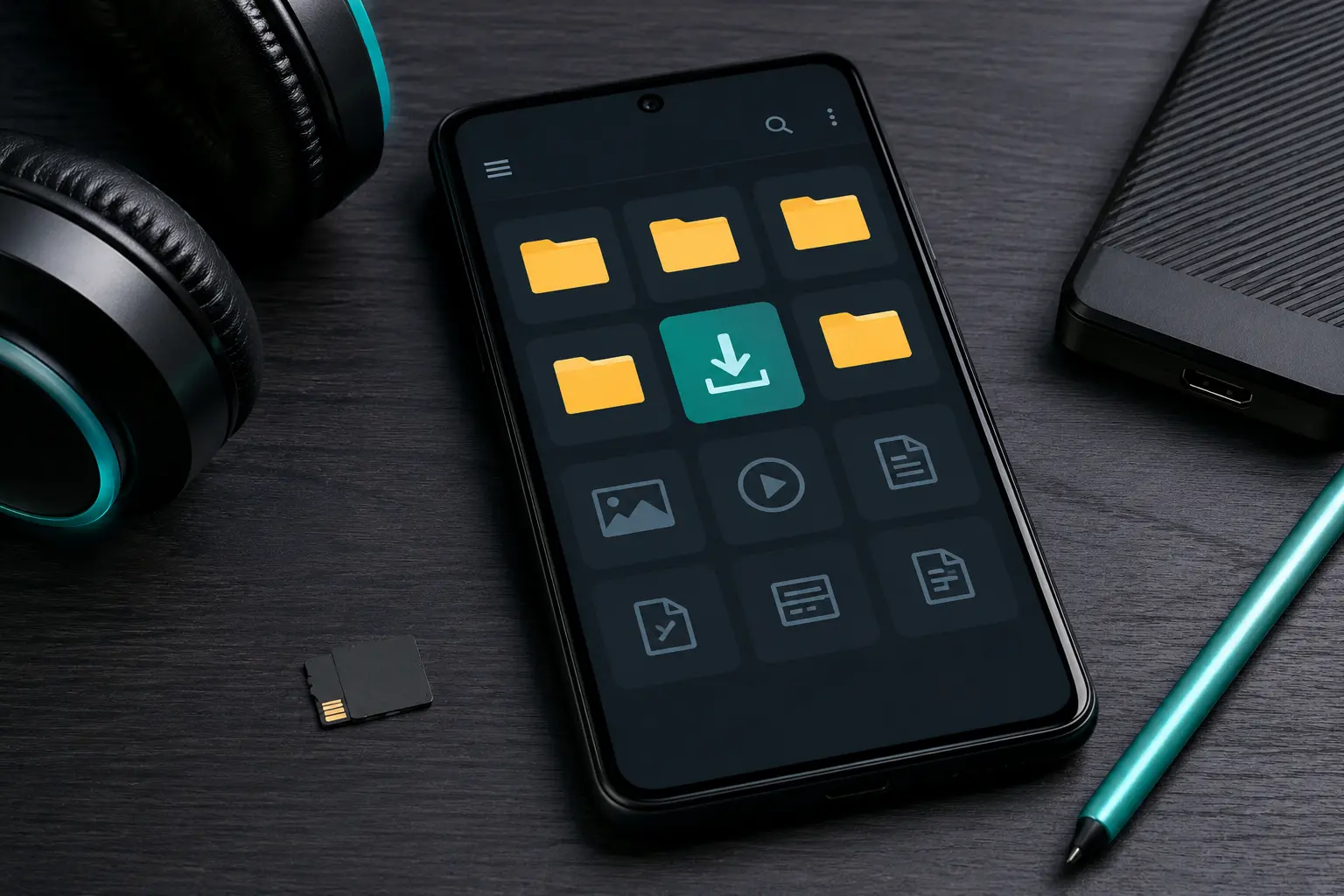
- On Android, the Files by Google app has a built-in "Duplicates" cleaner that flags identical files taking up storage.
4. Embed Consistent, Lightweight Album Art
Nothing looks cooler on your car dashboard or phone lock screen than clean album artwork. However, beware of embedding huge 4K images: a 5 MB image embedded into a 6 MB song doubles your storage usage for no reason! Resize your album art to 500 × 500 or 800 × 800 pixels (around 100 KB each). It will look crystal clear on any phone screen while keeping file sizes sleek.
5. Follow the 3-2-1 Backup Rule for Peace of Mind
Phones get dropped, lost, stolen, or accidentally wiped during system updates. Don't let years of curated music vanish overnight! Follow the classic 3-2-1 backup strategy:
- One primary copy on your phone or daily music player.
- One local backup on your computer's hard drive or an external USB flash drive.
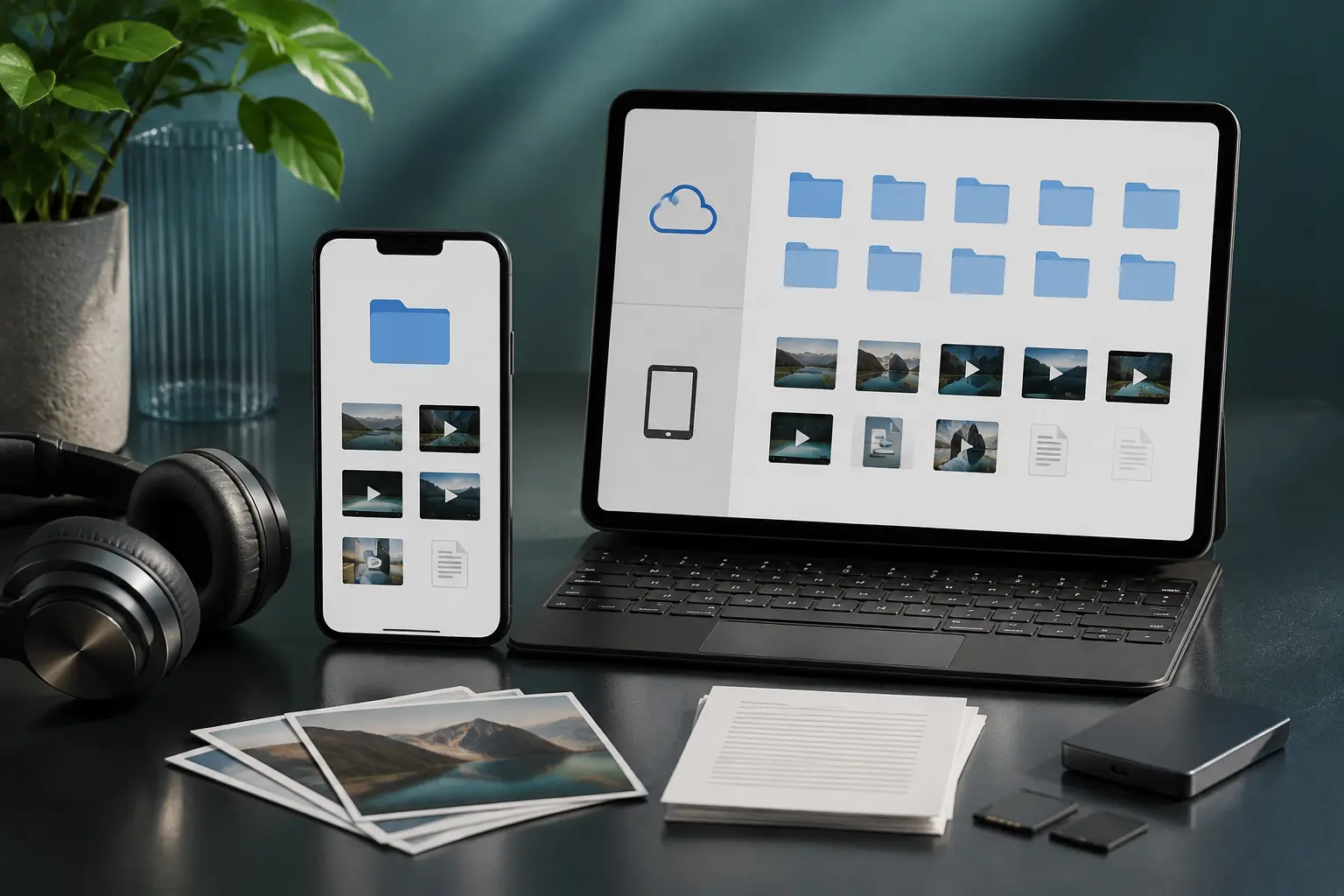
- One cloud backup on Google Drive, Mega, OneDrive, or Dropbox.
As you collect your favorite tracks from Tubidy, applying these simple tagging and folder routines will keep your offline music collection pristine and easy to browse.
With an organized system and proper backups, your music library will bring you effortless listening joy for decades, regardless of internet connectivity or streaming platform changes.