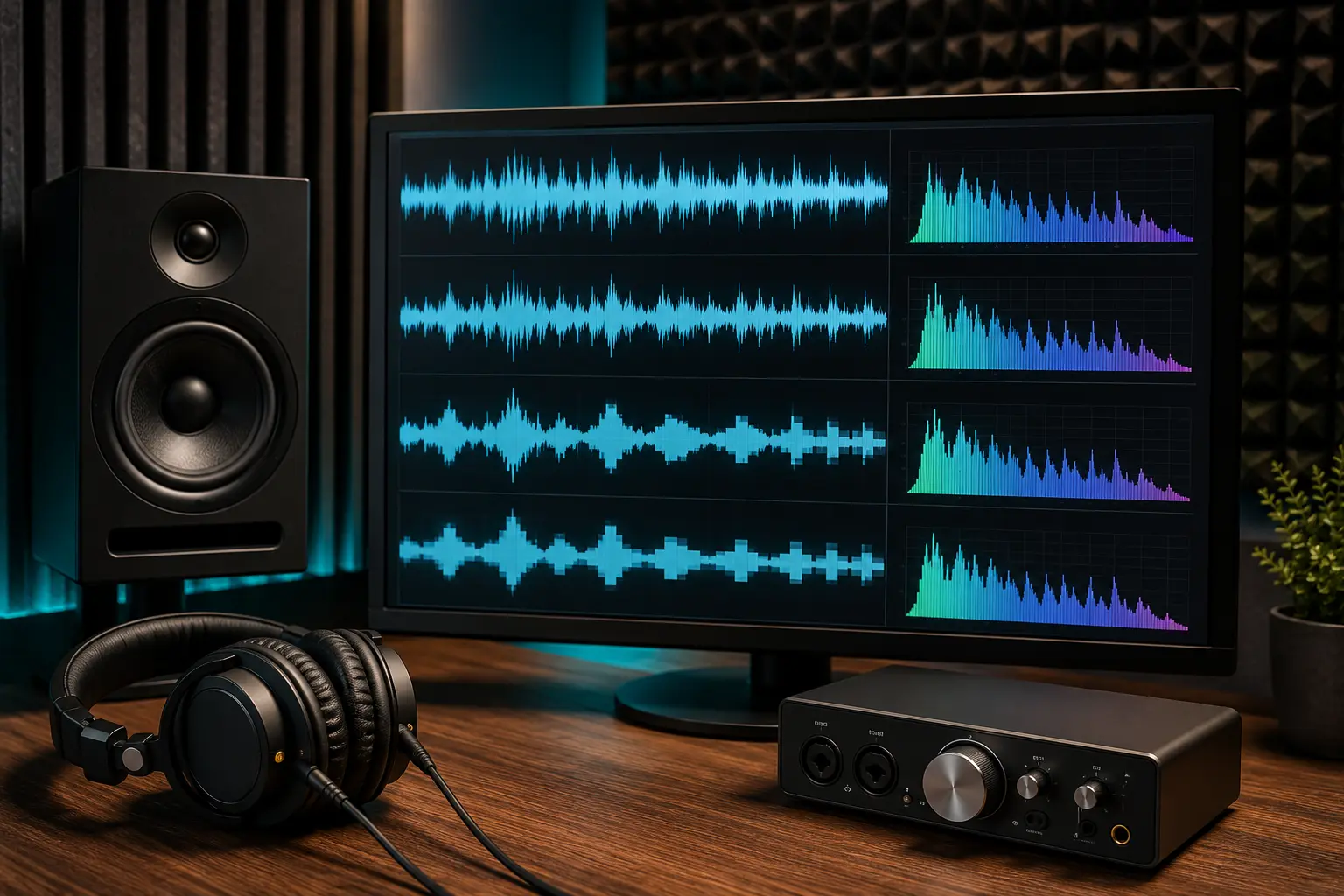
When you download or stream music, you constantly see numbers like 128 kbps, 192 kbps, or 320 kbps. But what do these numbers actually mean in real life? Does 320k sound twice as good as 160k? Can human ears even tell the difference on basic earbuds or phone speakers? Let's break down MP3 bitrate in plain, simple English so you know exactly which quality setting makes sense for your data plan and your headphones.
What Is Bitrate in Simple Terms?
Bitrate stands for kilobits per second (kbps). In audio, it simply measures how much digital data is processed every single second of sound. Think of it like a photograph: a high-resolution photo preserves fine details, eyelashes, and background textures, while a heavily compressed thumbnail looks pixelated. In music, a higher bitrate preserves the sparkle of high cymbals, the warmth of the acoustic bass, and the clarity of quiet vocal breaths.
The Common MP3 Bitrates Compared
- 128 kbps (Acceptable / Data Saver): This was the internet standard in the 2000s. It sounds decent on cheap phone speakers or budget earphones. However, if you listen closely, high frequencies (like hi-hats and cymbals) can sound swishy or watery, and heavy bass loses its punch. Perfect if you have limited mobile data or minimal phone storage.
- 192 kbps (The Sweet Spot for Most Listeners): 192 kbps delivers crisp, clear sound where almost all compression artifacts disappear. Over 90% of listeners cannot tell the difference between 192k and 320k on everyday commuter headphones or in the car. It offers great fidelity while keeping file sizes modest.
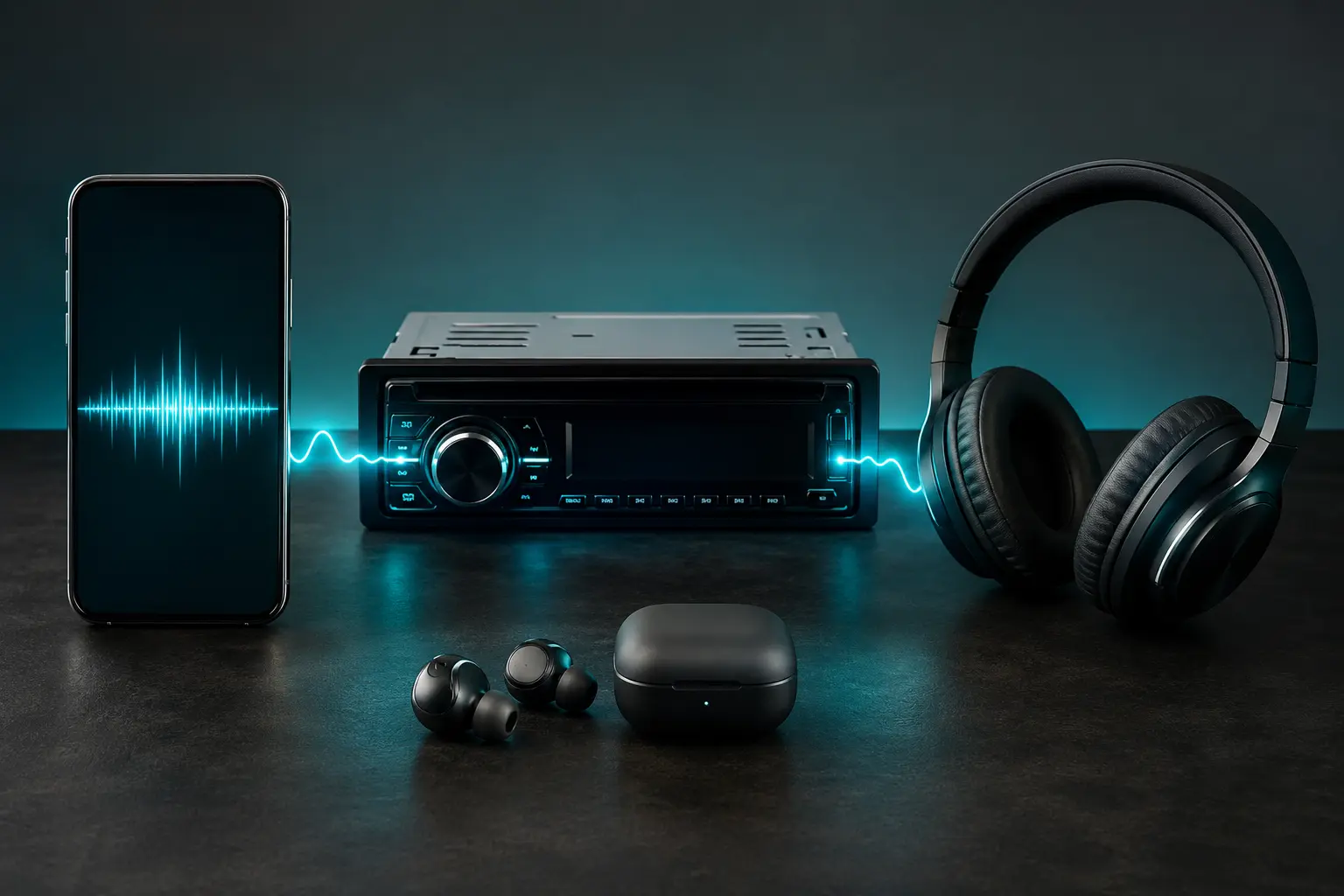
- 320 kbps (Maximum MP3 Quality): The highest possible quality an MP3 file can have. It provides crystal-clear highs, tight bass response, and full dynamic range. If you listen on over-ear studio headphones, a home Hi-Fi system, or quality car audio, 320k gives you the best experience lossy compression can deliver.
- Lossless (FLAC / WAV): Preserves 100% of the studio recording with zero compression losses, but files are huge (30 MB to 50 MB per song). Unless you have dedicated DACs and high-end audiophile monitors, 320 kbps MP3 is virtually indistinguishable and takes up a fraction of the space.
The "Transcoding" Trap (Why Converting 128k to 320k Won't Help)
Here is a classic trap people discover on audio forums: You download a muffled 128 kbps track, put it into a free audio converter, convert it to 320 kbps, and expect it to sound like a studio master. It won't.
Lossy compression is like slicing vegetables: once you throw away the parts during compression, you cannot glue them back together. Re-encoding a low-quality file at a higher bitrate only makes the file size larger without adding any new audio clarity—in fact, it often introduces new distortion! Always get the highest quality from the original source.
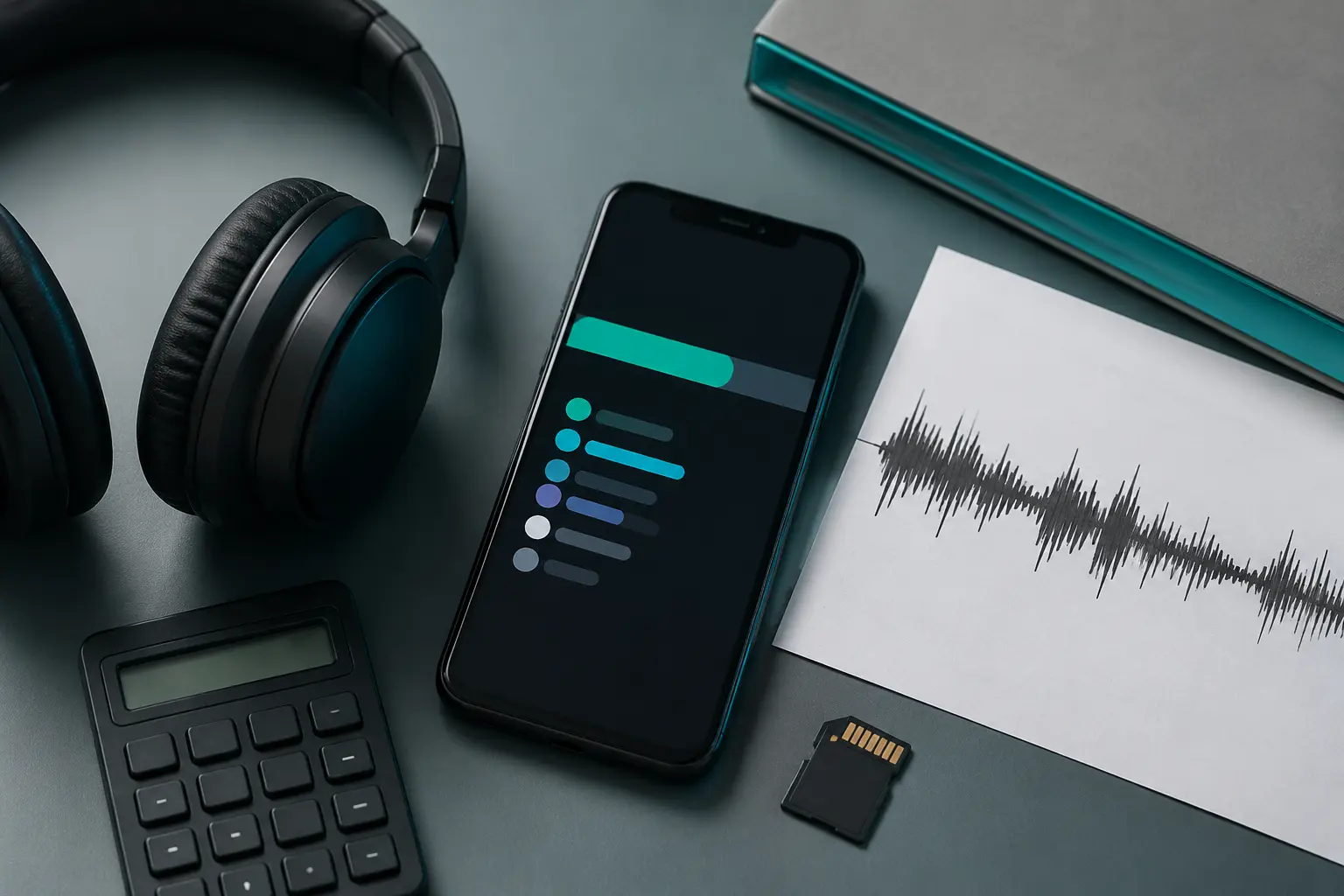
How Bitrate Impacts Your Mobile Data & Storage
Higher quality requires more bytes. A 4-minute song at different bitrates looks roughly like this:
- At 128 kbps: ~3.8 MB
- At 192 kbps: ~5.8 MB
- At 320 kbps: ~9.6 MB
Want to calculate storage needs for your entire music collection? Check out our easy-to-use guide on how to estimate MP3 file sizes.
Which Bitrate Should You Choose?
Platforms like Tubidy allow you to search and download high-quality MP3s up to 320 kbps so your favorite songs sound crisp and dynamic on any sound system.
If you're downloading music for everyday casual listening, gym sessions, or car rides via Bluetooth, 192 kbps or 256 kbps hits the perfect balance between quality and storage. If you're building a permanent archival music collection on an SD card or external hard drive, go with 320 kbps. For deeper equipment recommendations, read our guide on choosing audio quality for phones, cars, and headphones.